Routr Dispatch · For your customers
What your customers see
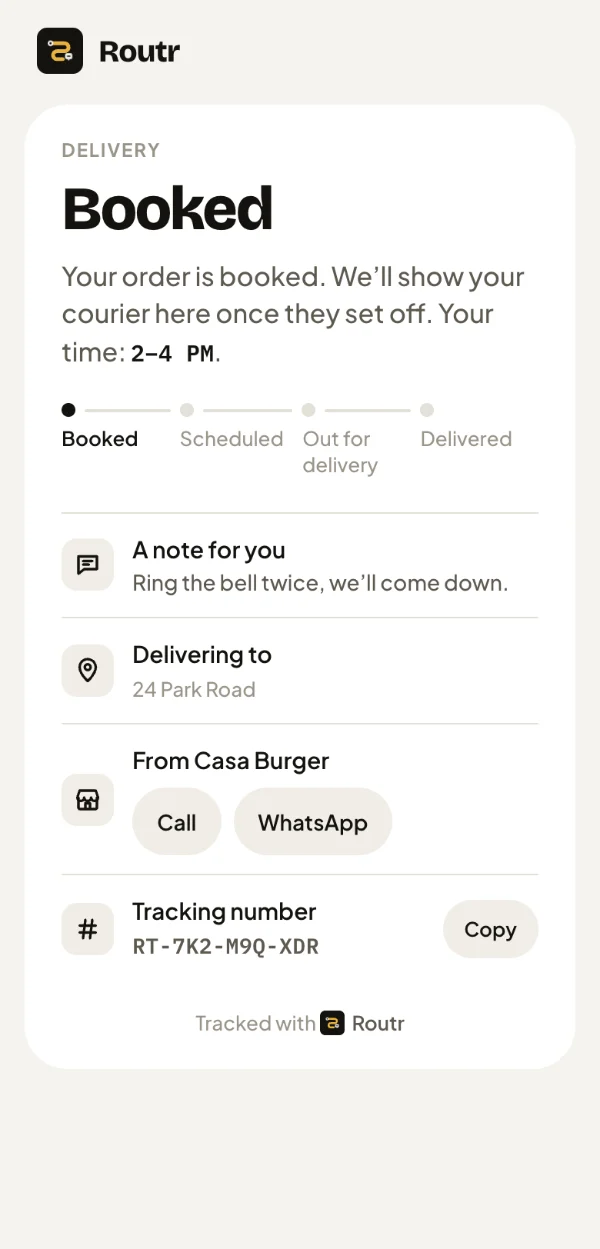
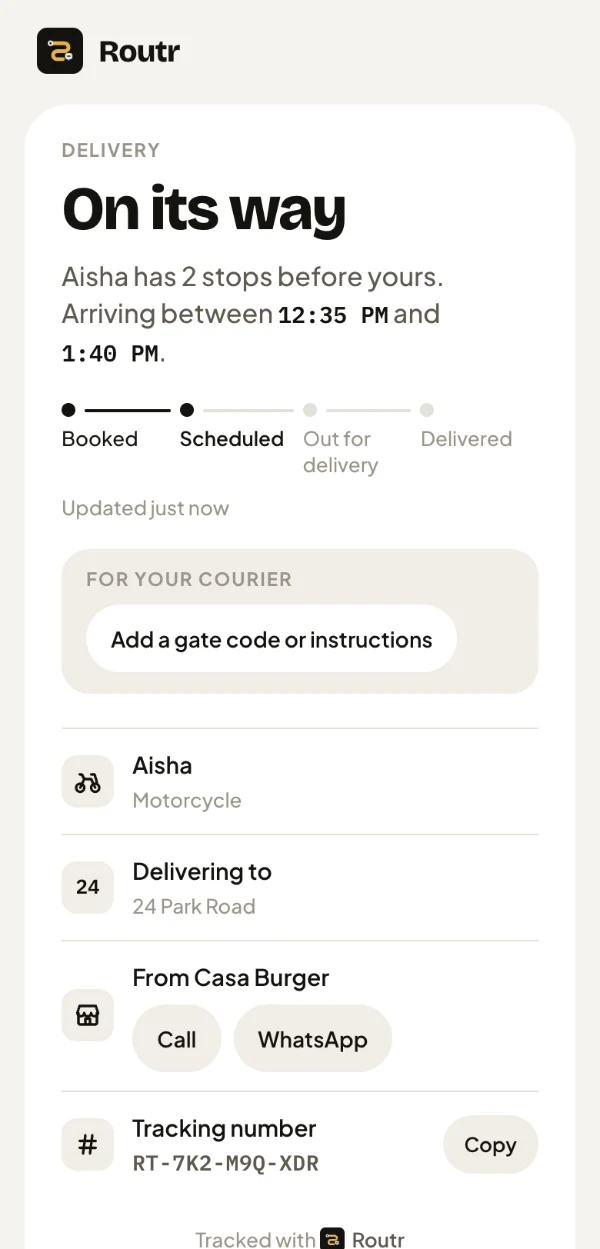
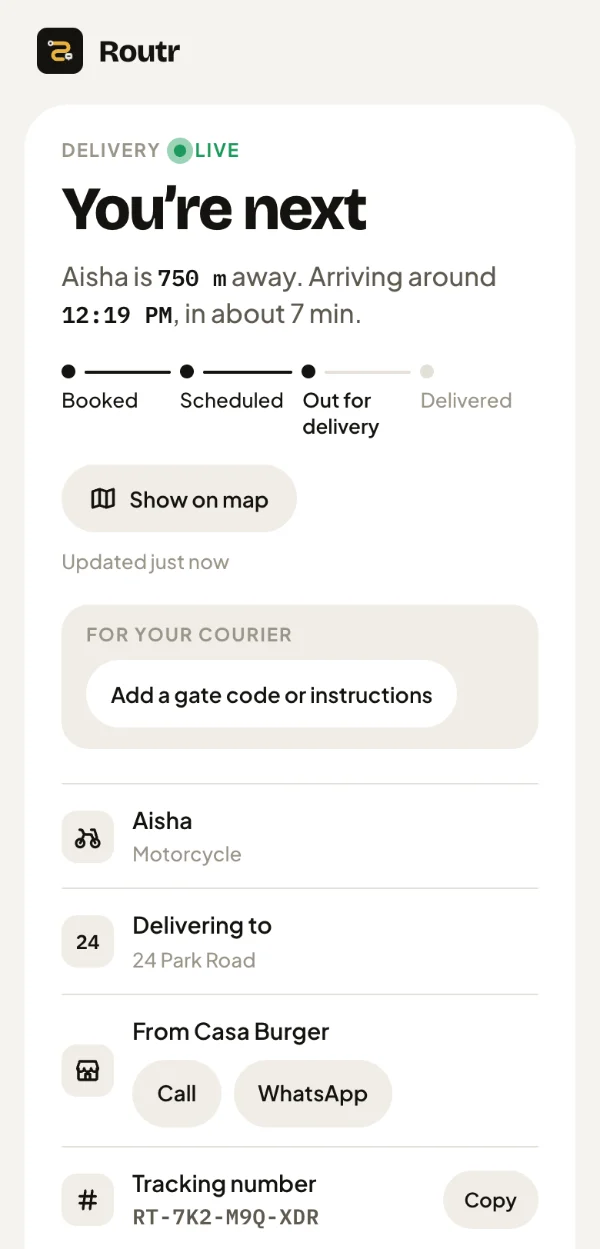
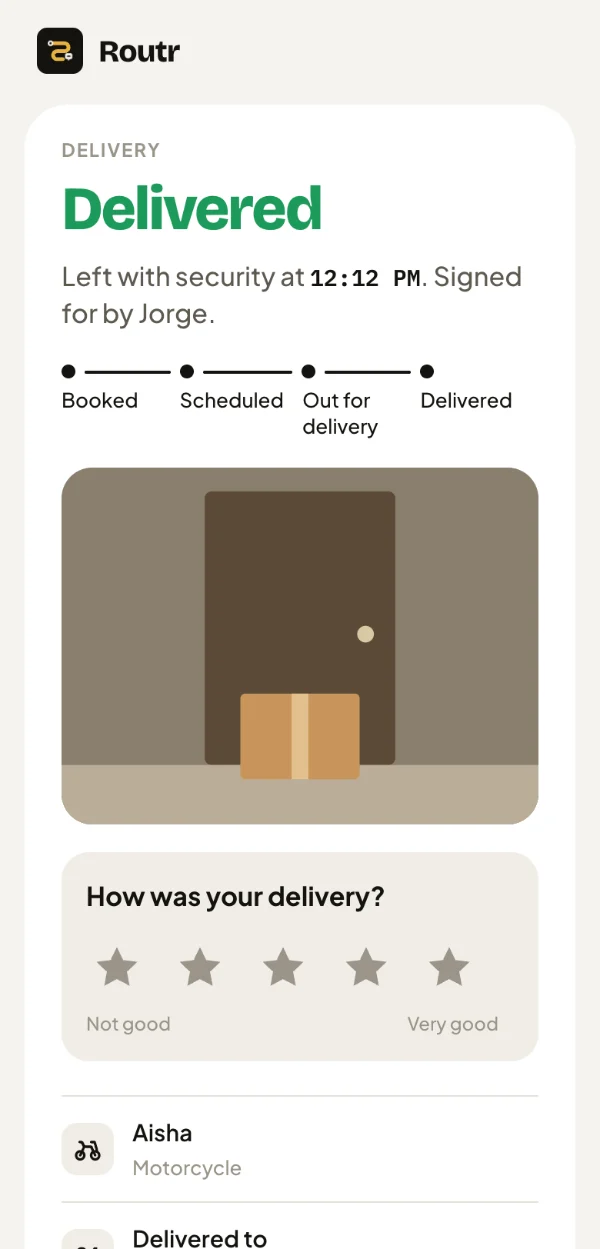
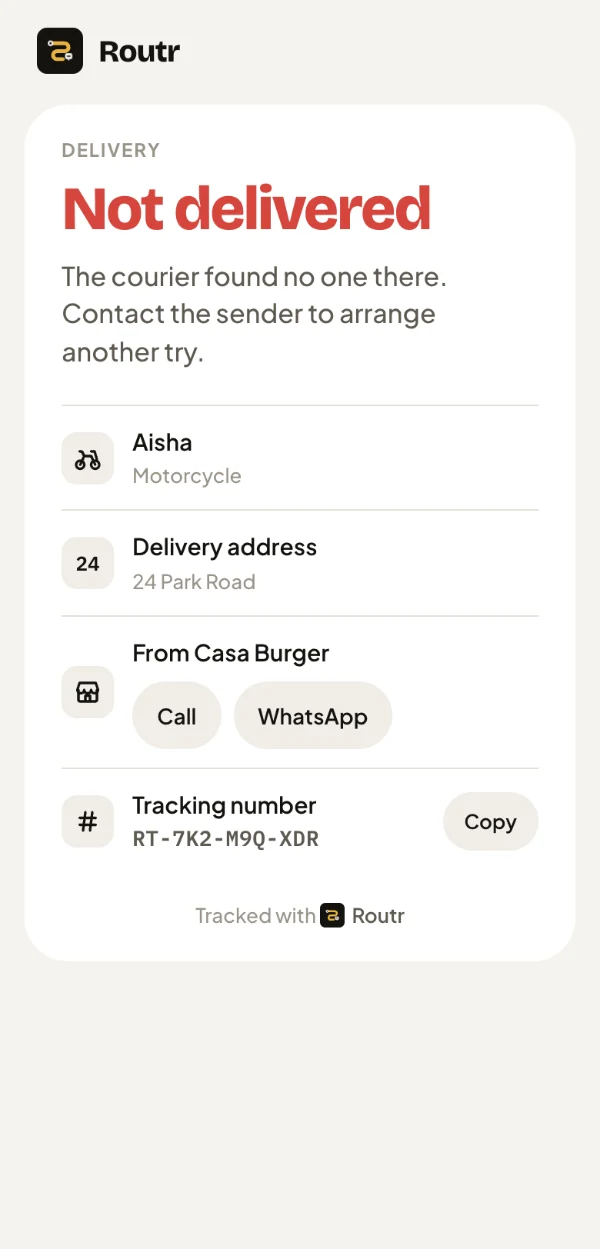
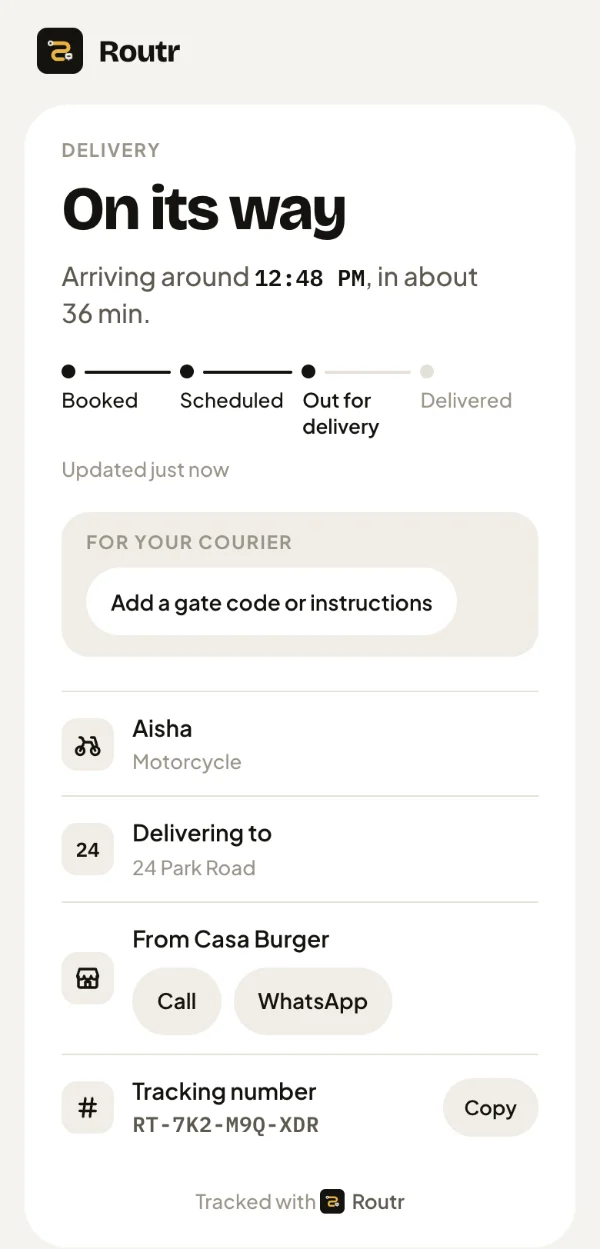
Each customer gets a page of their own for their delivery: when it’s coming, what happened at the door, and a way to reach the courier. It opens from a link in any phone’s browser, with no app and no sign-up.
From booked to delivered
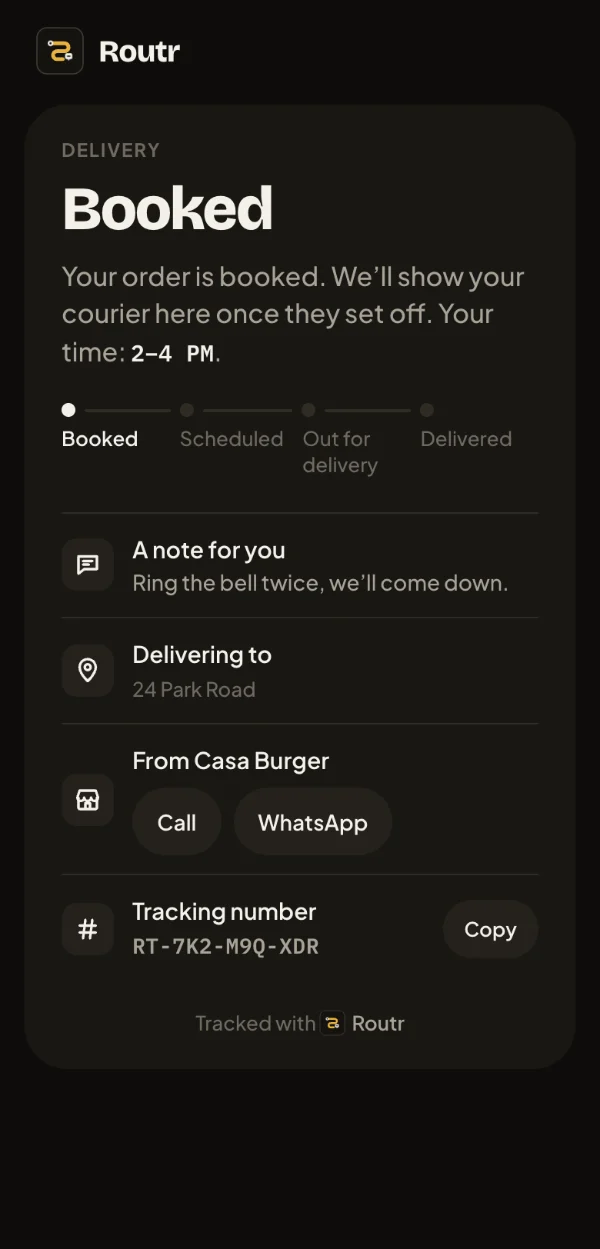
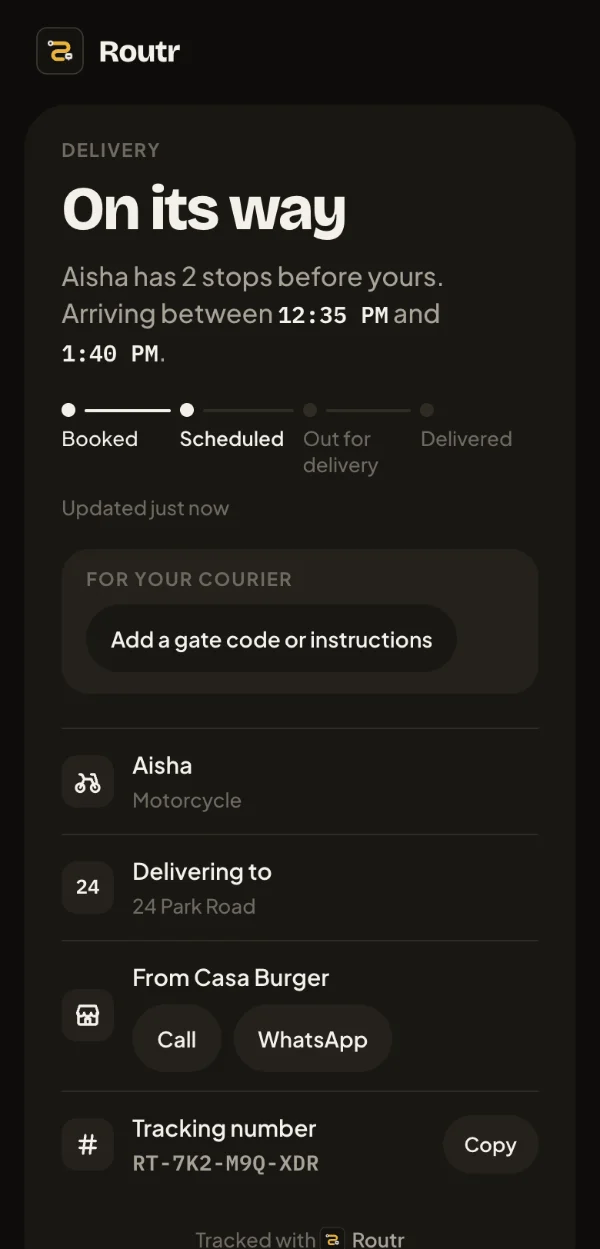
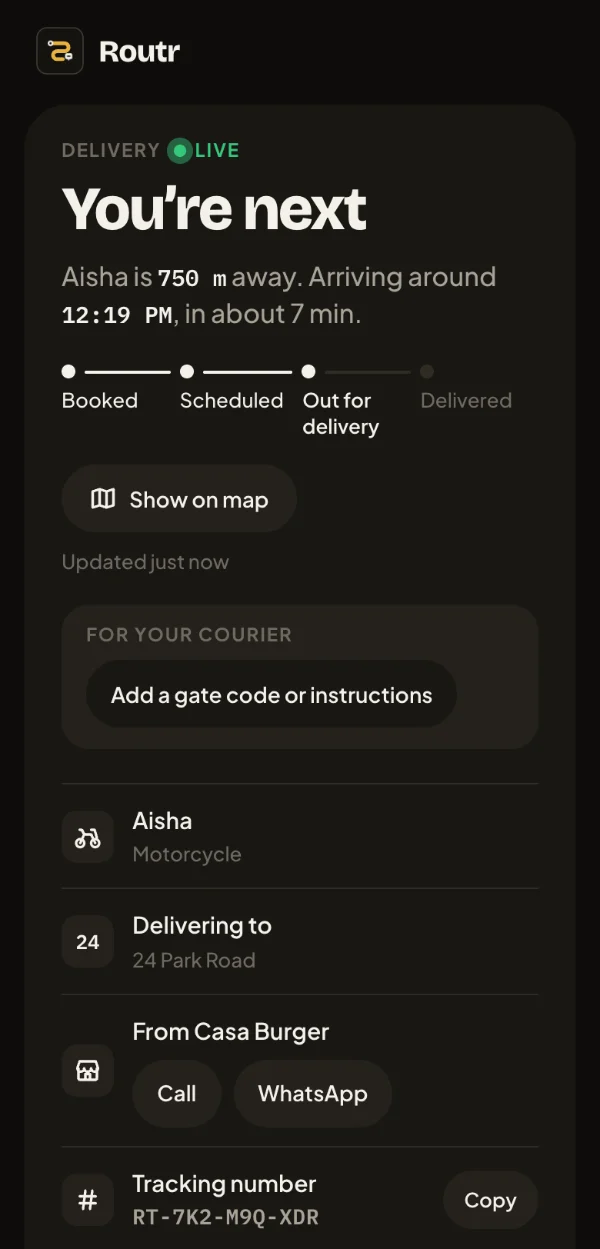
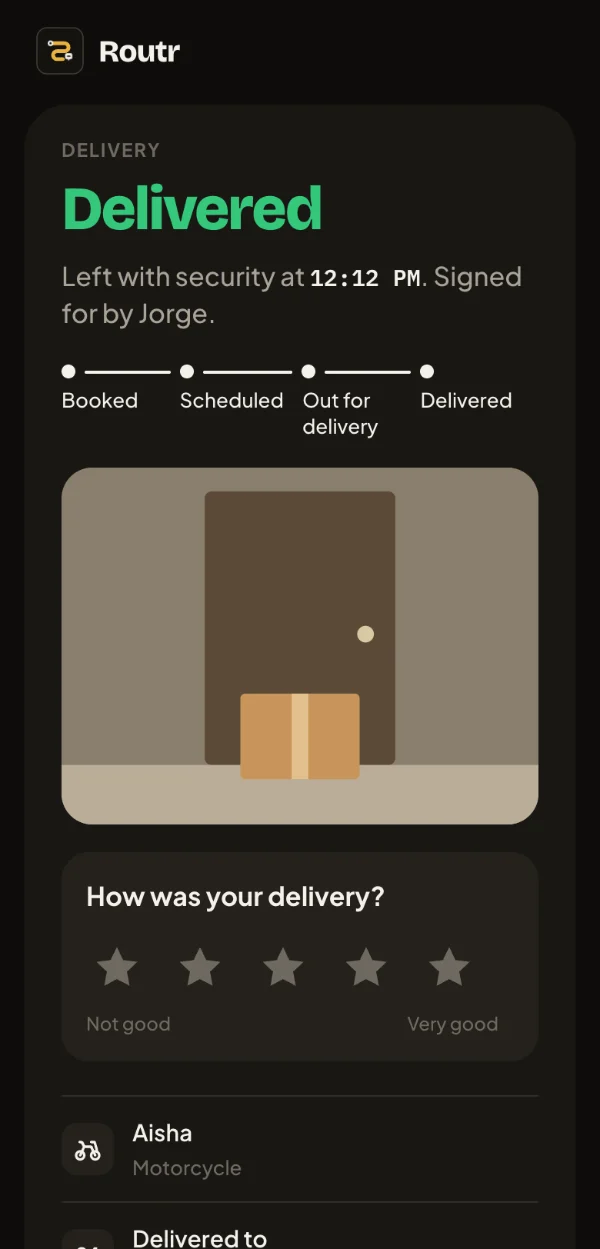
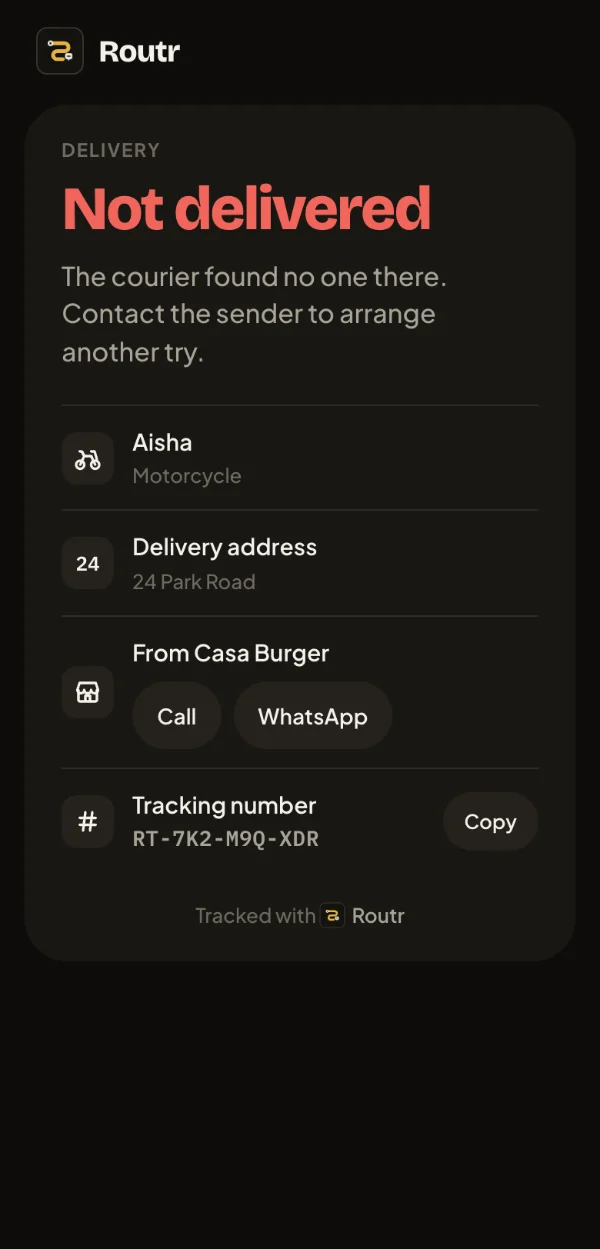
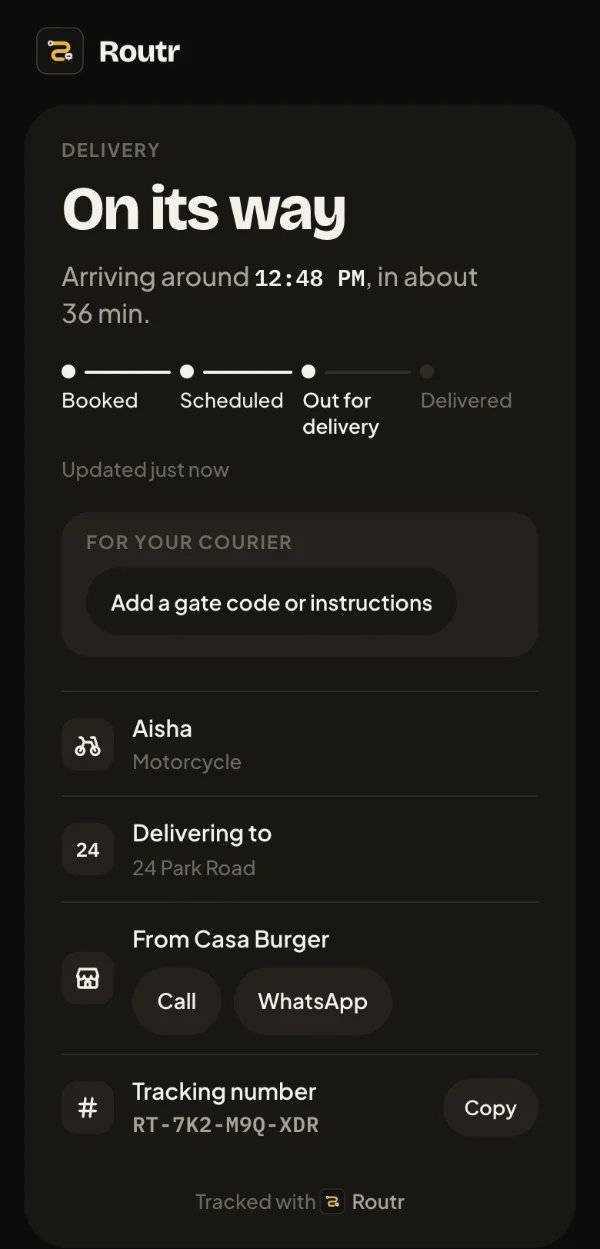
The link can go out the moment an order is booked, and the page follows the delivery from there. Every picture here is the real page.
You decide how much they see
One setting for the whole business, in Routr Dispatch’s Settings or the owner’s app, with an arrival window of 15, 30, 60 or 120 minutes if you want one.
When the delivery should arrive.
And how many stops the courier has before theirs.
And where the courier is, from the moment theirs is the next stop.
Below the last choice, the courier’s phone doesn’t send its position at all. Nobody can see what isn’t sent.
What they can do from the page
A gate code, or who to leave it with. The courier sees it with the stop.
While theirs is the next stop, if you allow it. Couriers read once they’ve stopped, never while moving.
The amount, the ways you take it, and your bank account for a transfer, until it’s delivered.
Your business’s own number on the page, so questions about the order come to you.
One to five stars and a few words, for you. The courier sees only their average, if you let them.
Each delivery has a tracking number like RT-7K2-M9Q-XDR, which shows where it stands when typed at goroutr.com/track.
Each person sees only their own
A page holds one stop. Nothing on it is shared with your other customers, and the courier stays a first name.
- The courier’s first name and vehicle
Never their photo or phone number. Messages carry no phone numbers, emails or links, either way.
- Where the courier is, only to the next customer
And only until that stop is done. Everyone else sees how many stops are before theirs.
- Your team’s notes stay yours
Only the note you write for the customer shows, and only the details you mark for customers.
- The page closes about a week after
Then the link stops working. Typed at goroutr.com/track, the number names only the business and the day, for 60 days.
Got a link from a business?
Your page is about your delivery, and nothing else
The business you ordered from plans its deliveries with Routr. Your link opens your stop only, and questions about the order go to them: their number is on the page.
RT-7K2-M9Q-XDR